1
Upload a tightly cropped image
Add the photo you want to widen — a JPG, PNG, or WebP up to 10 MB.

 Brainy Canvas
Uncrop a photo or add room around your subject — the AI paints the rest.
Add the photo you want to widen — a JPG, PNG, or WebP up to 10 MB.
Describe what should fill the expanded area, or leave it blank to let the app extend the scene naturally.
Get a larger picture with AI-generated edges that match the original. Run it again to push the borders further.
Built for fast outputs
FAQ
Built on the canvas - remix this workflow and connect it to more nodes.
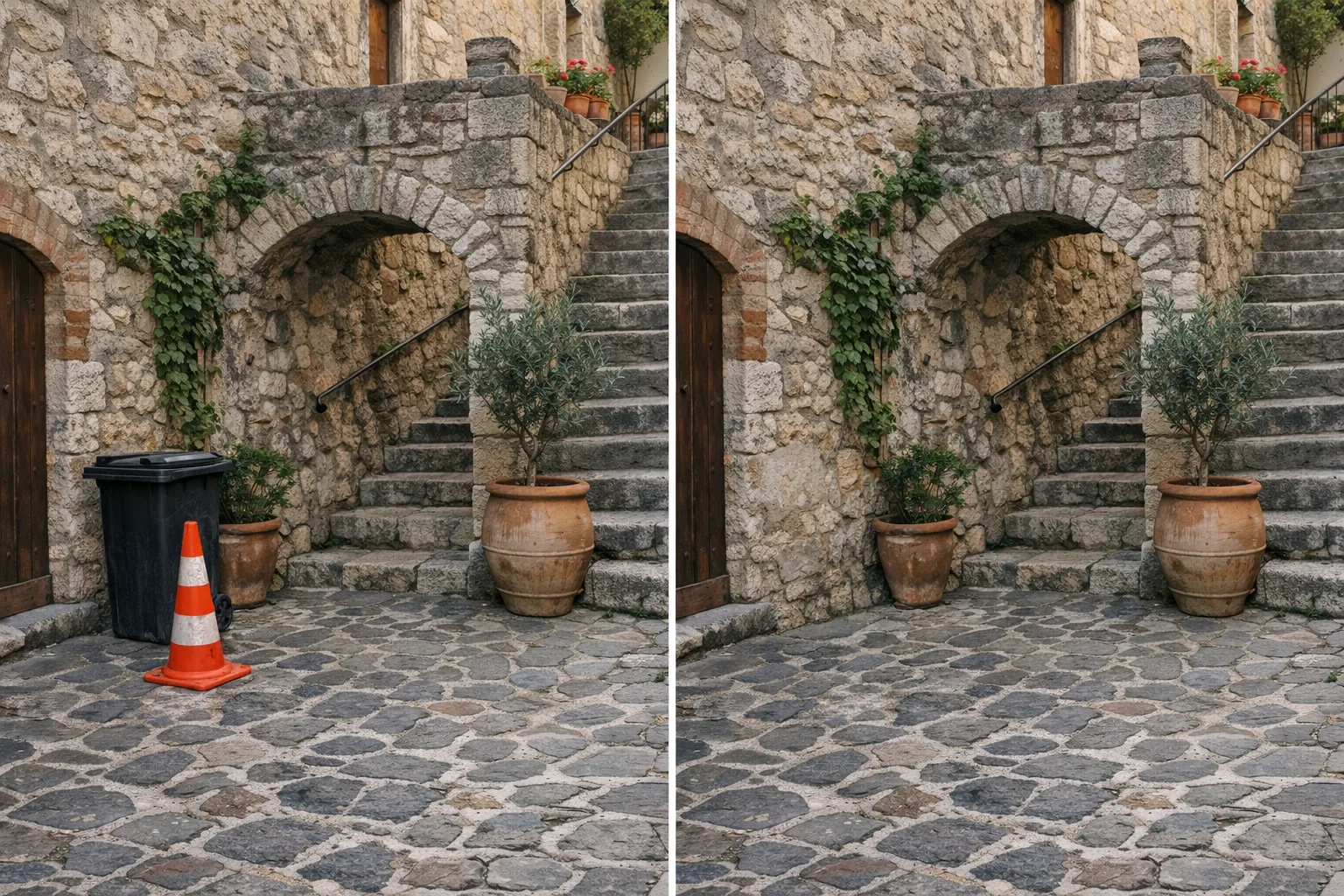 8 credits · 4¢
Describe what to remove and the AI fills the space naturally.
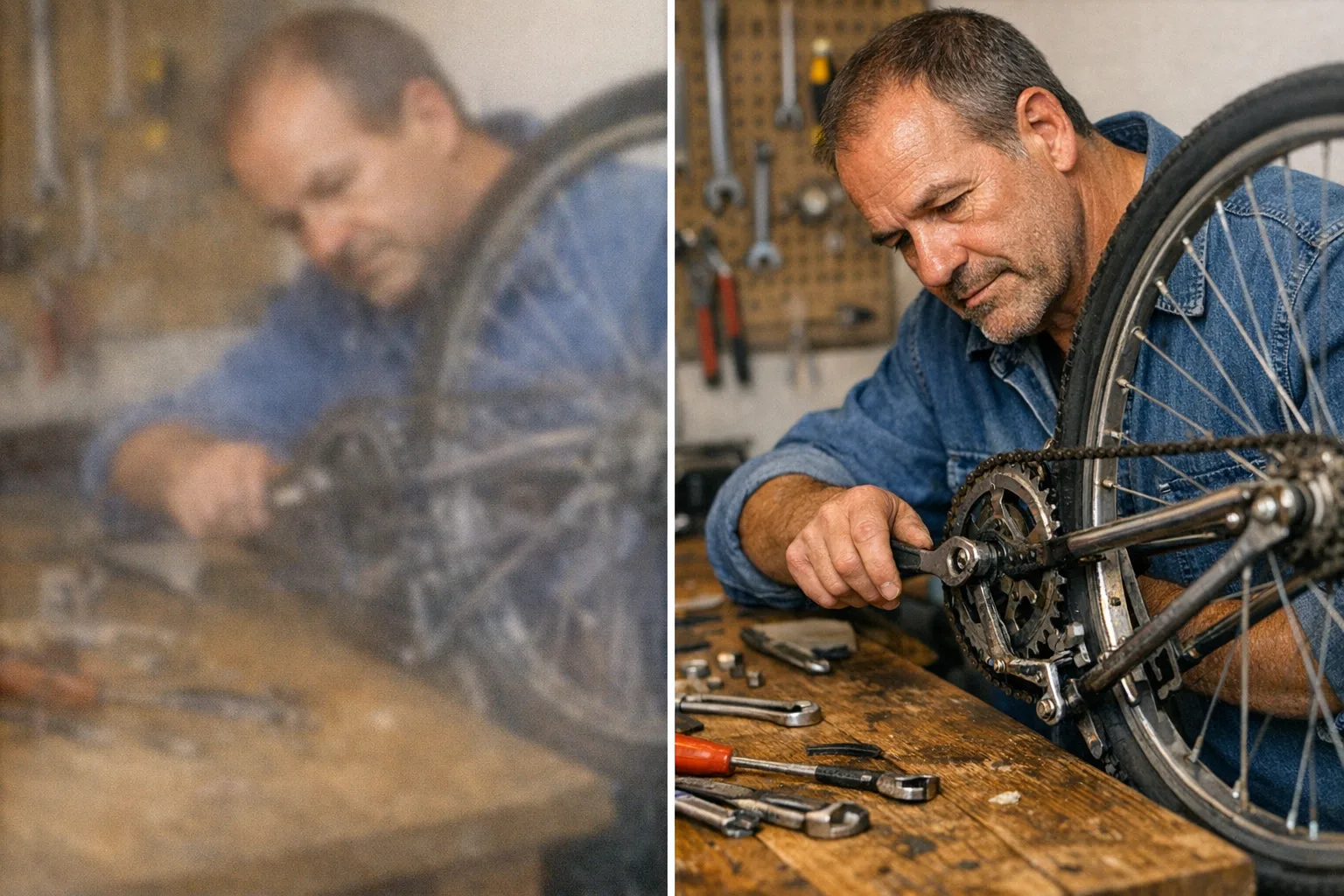 10 credits · 5¢
Turn small, soft, or blurry pictures into crisp high-resolution ones.
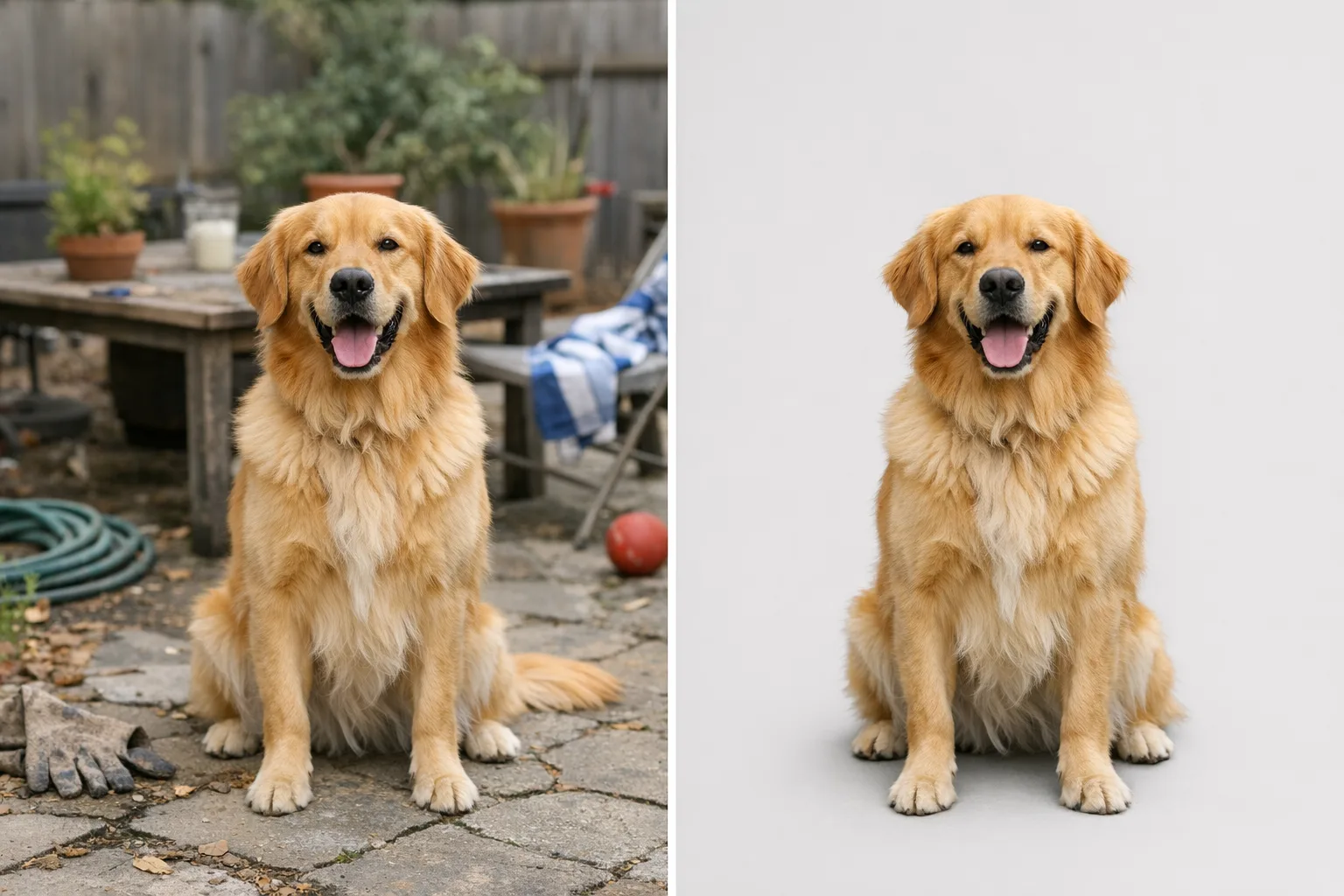 4 credits · 2¢
Cut out your subject cleanly and get a transparent PNG in seconds.
Build your first agent-ready AI workflow in minutes — no credit card required.
Brainy CanvasThe creative canvas for AI agents and people building visual AI workflows.