1
Upload a black-and-white photo
Add a grayscale or sepia photo — a JPG, PNG, or WebP up to 10 MB. Restored, undamaged photos colorize best.

 Brainy Canvas
Turn any grayscale photo into a realistic, period-accurate color image.
Add a grayscale or sepia photo — a JPG, PNG, or WebP up to 10 MB. Restored, undamaged photos colorize best.
Mention a decade, setting, or specific colors you remember — like a red dress or a navy uniform — to guide the result, or leave it blank.
Get back a naturally colored version with the original composition and faces untouched.
Built for fast outputs
FAQ
Built on the canvas - remix this workflow and connect it to more nodes.
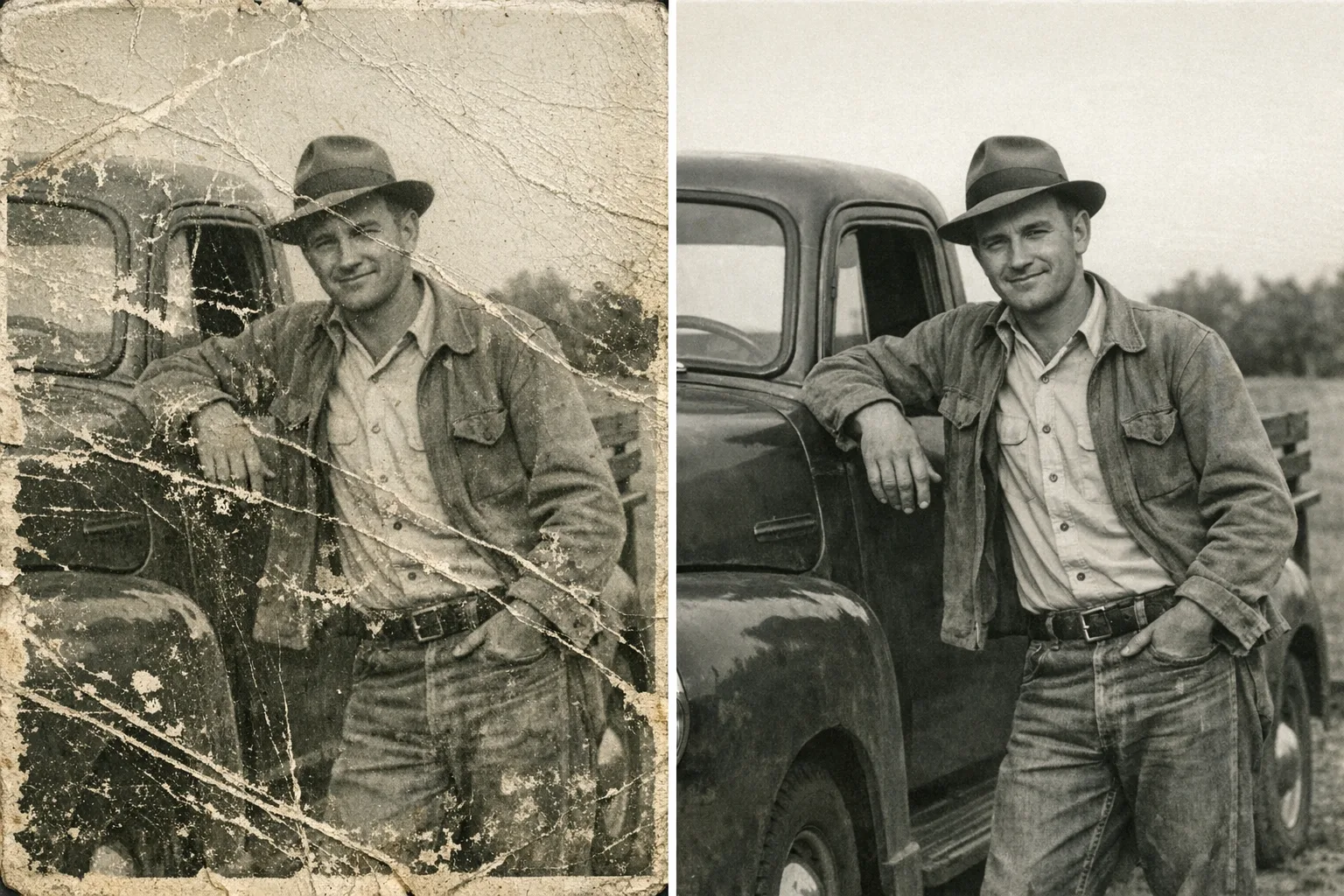 New8 credits · 4¢
Repair scratches, tears, and fading in old family photos with one click.
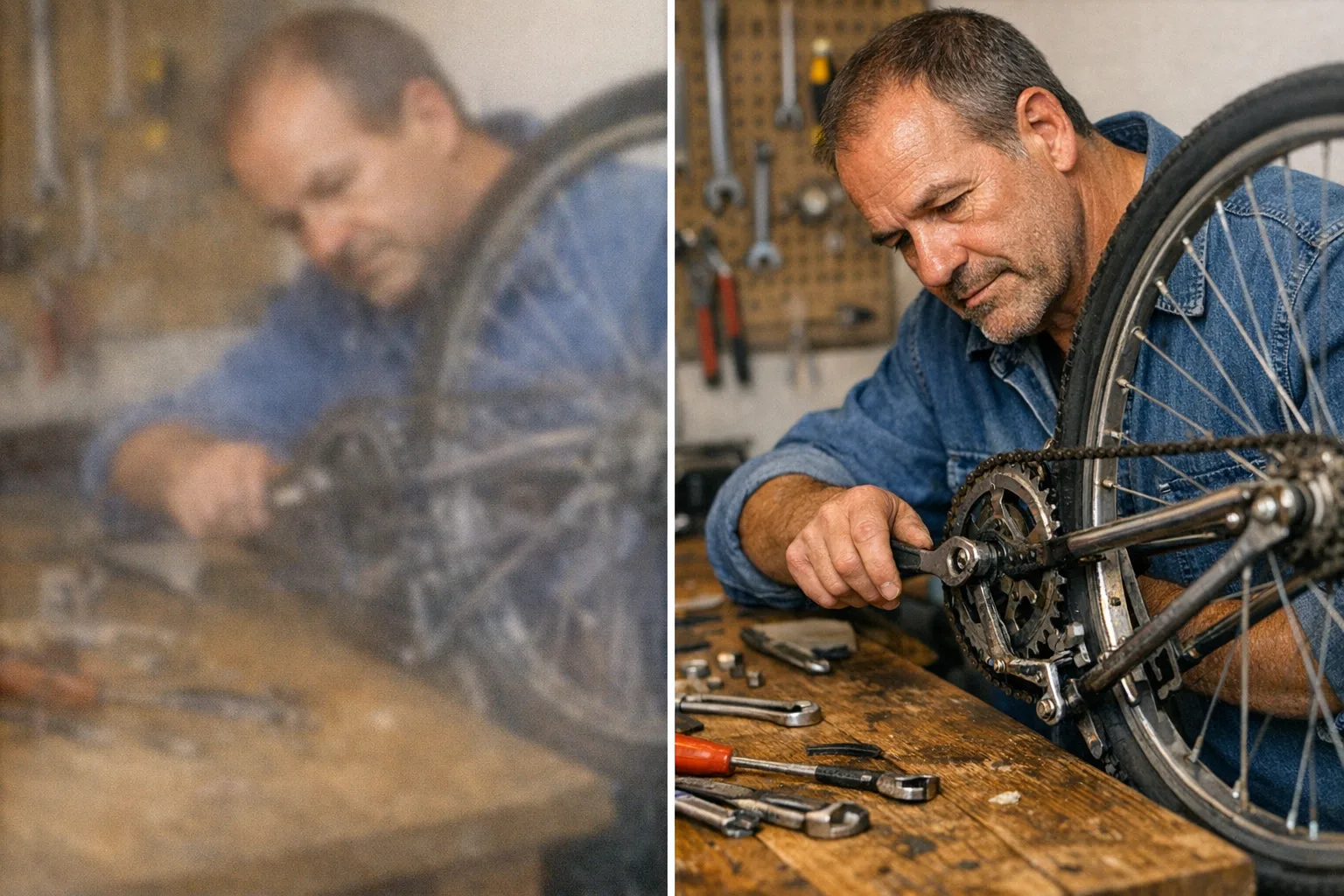 10 credits · 5¢
Turn small, soft, or blurry pictures into crisp high-resolution ones.
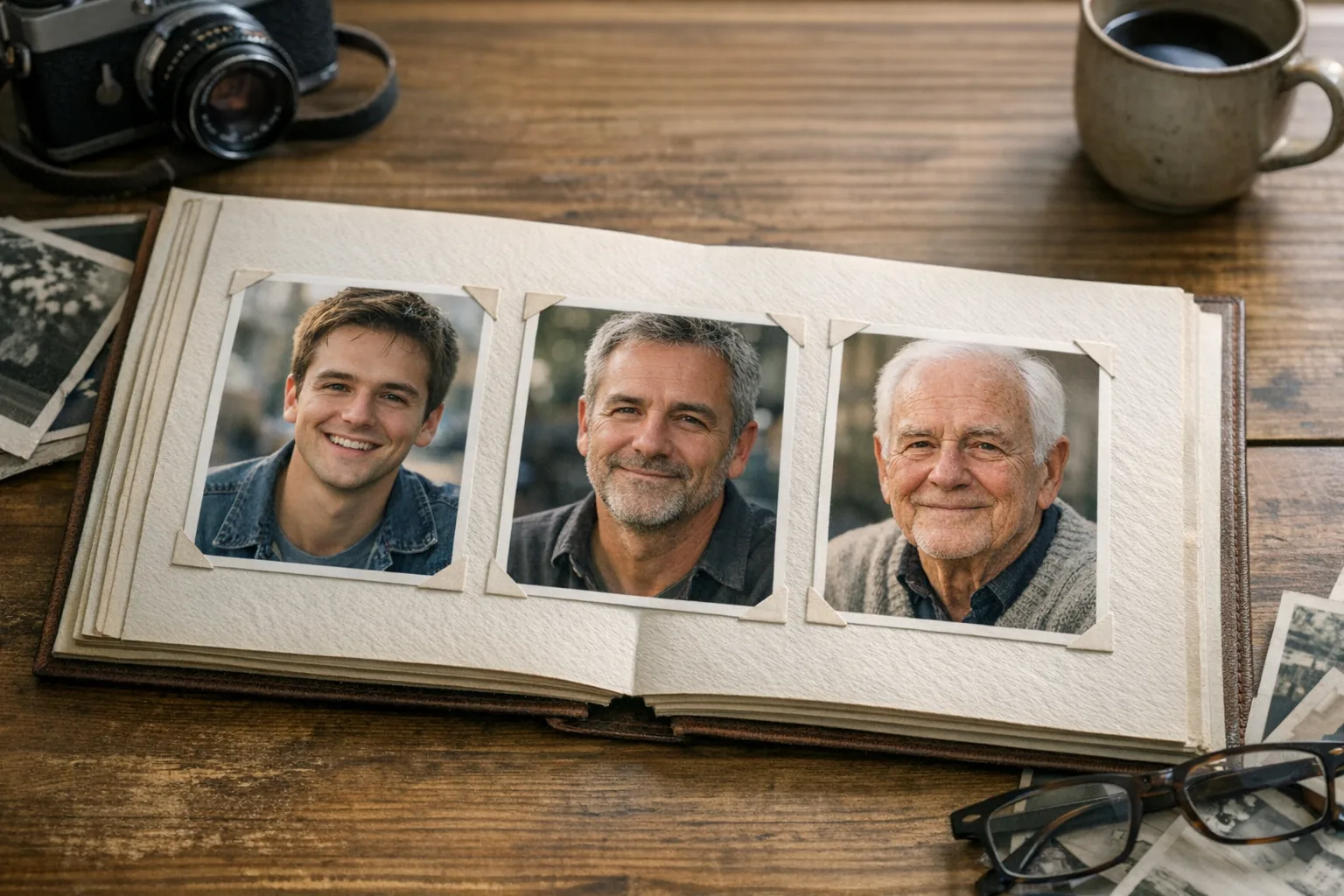 New8 credits · 4¢
Age or de-age a photo realistically while keeping your identity intact.
Build your first agent-ready AI workflow in minutes — no credit card required.
Brainy CanvasThe creative canvas for AI agents and people building visual AI workflows.