1
Upload the old photo
Add a scan or photo of your print — a JPG, PNG, or WebP up to 10 MB. Flatten it out and get as much light on it as you can before scanning.

 Brainy Canvas
Repair scratches, tears, and fading in old family photos with one click.
Add a scan or photo of your print — a JPG, PNG, or WebP up to 10 MB. Flatten it out and get as much light on it as you can before scanning.
A restoration model fixes scratches, tears, creases, and fading, and sharpens soft detail without changing the scene.
Get back a cleaned-up version ready to print, frame, or share with family.
Built for fast outputs
FAQ
Built on the canvas - remix this workflow and connect it to more nodes.
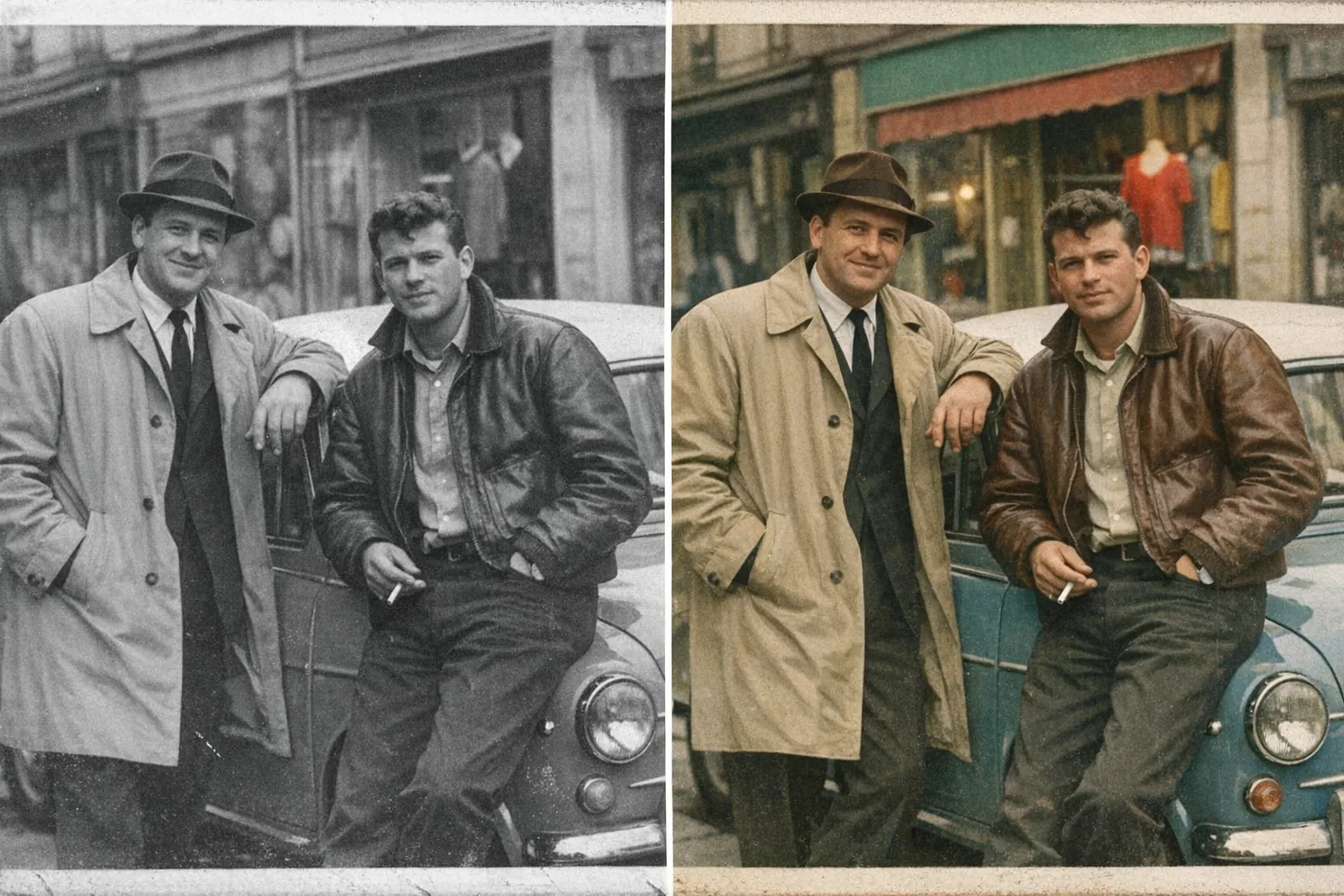 New8 credits · 4¢
Turn any grayscale photo into a realistic, period-accurate color image.
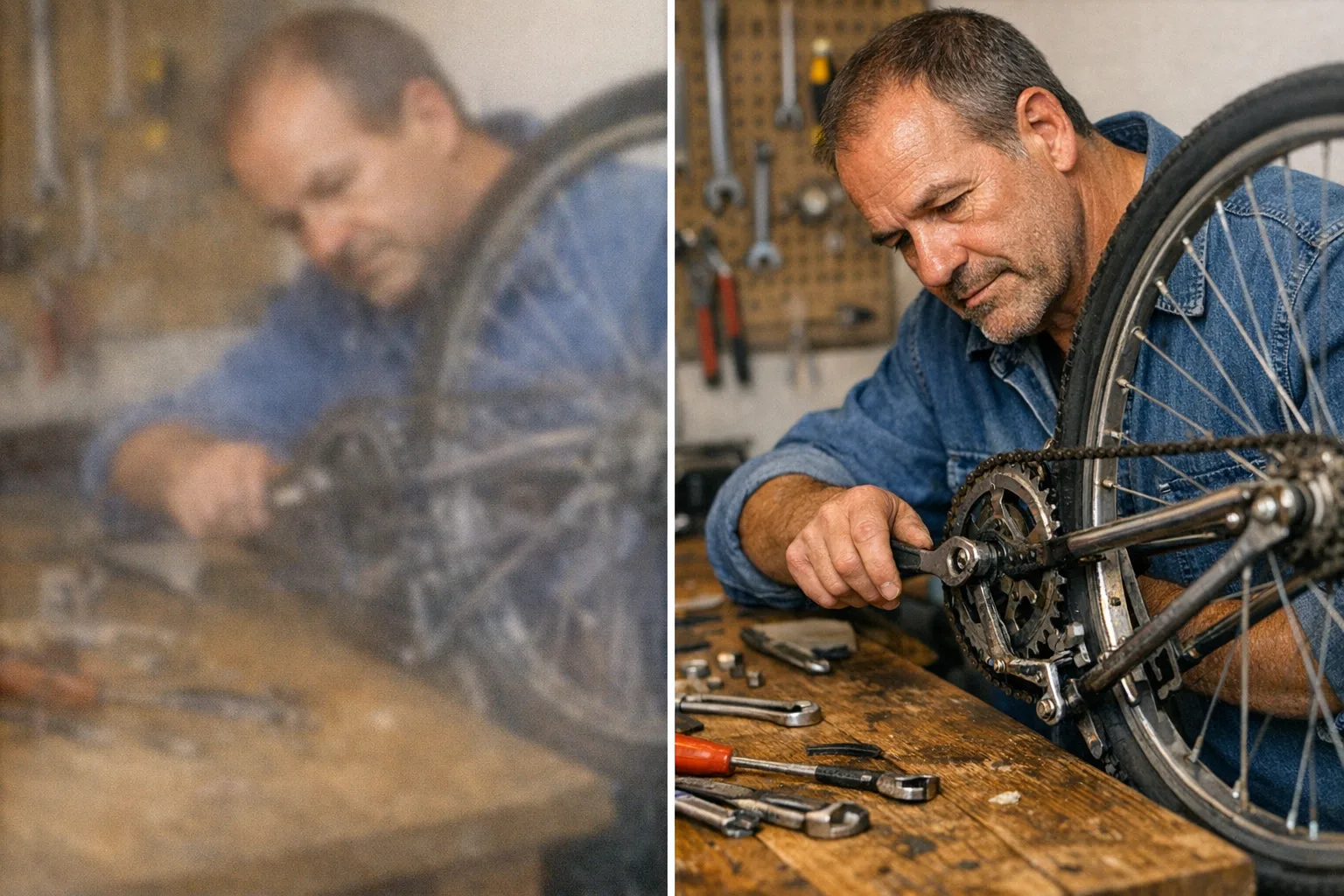 10 credits · 5¢
Turn small, soft, or blurry pictures into crisp high-resolution ones.
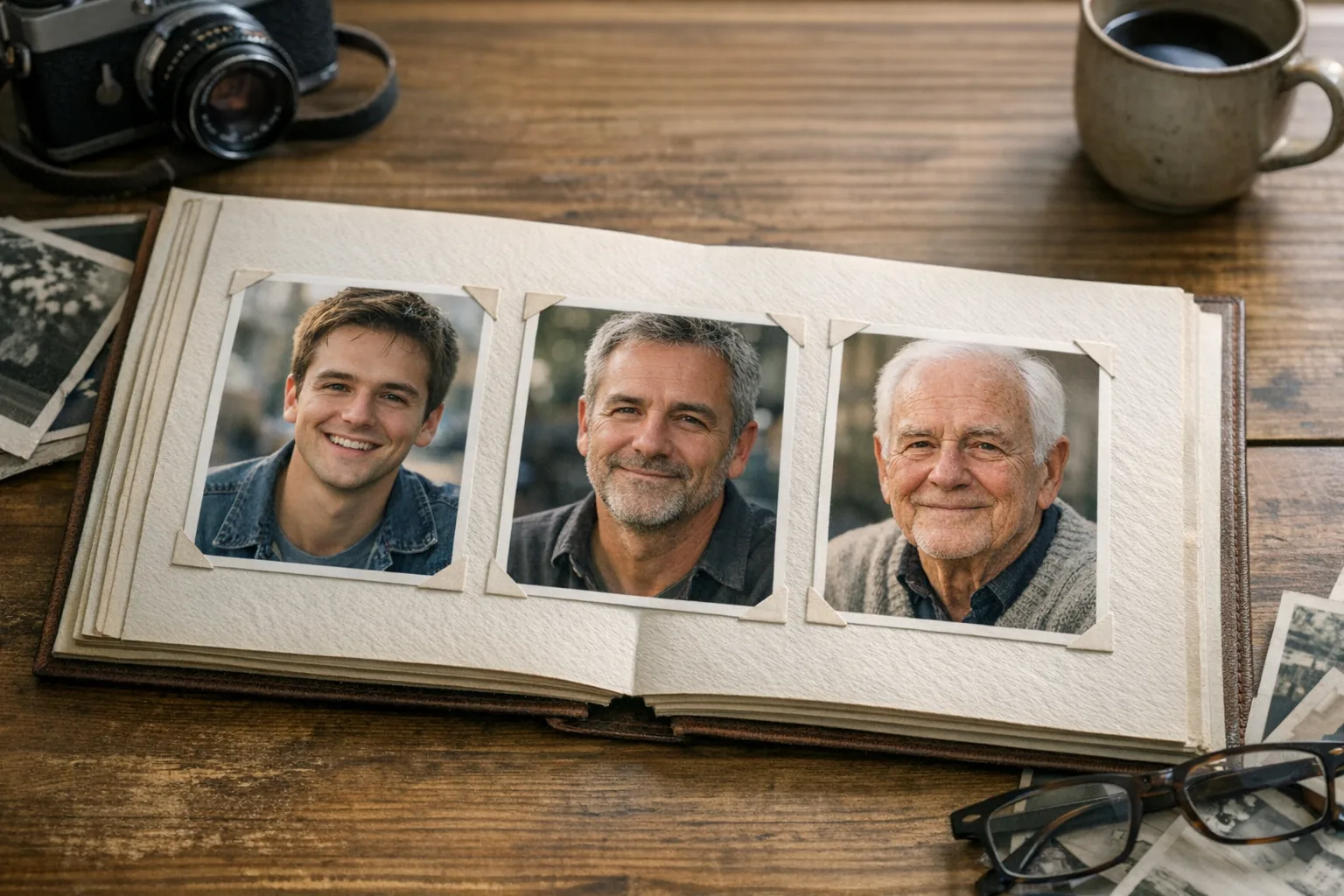 New8 credits · 4¢
Age or de-age a photo realistically while keeping your identity intact.
Build your first agent-ready AI workflow in minutes — no credit card required.
Brainy CanvasThe creative canvas for AI agents and people building visual AI workflows.